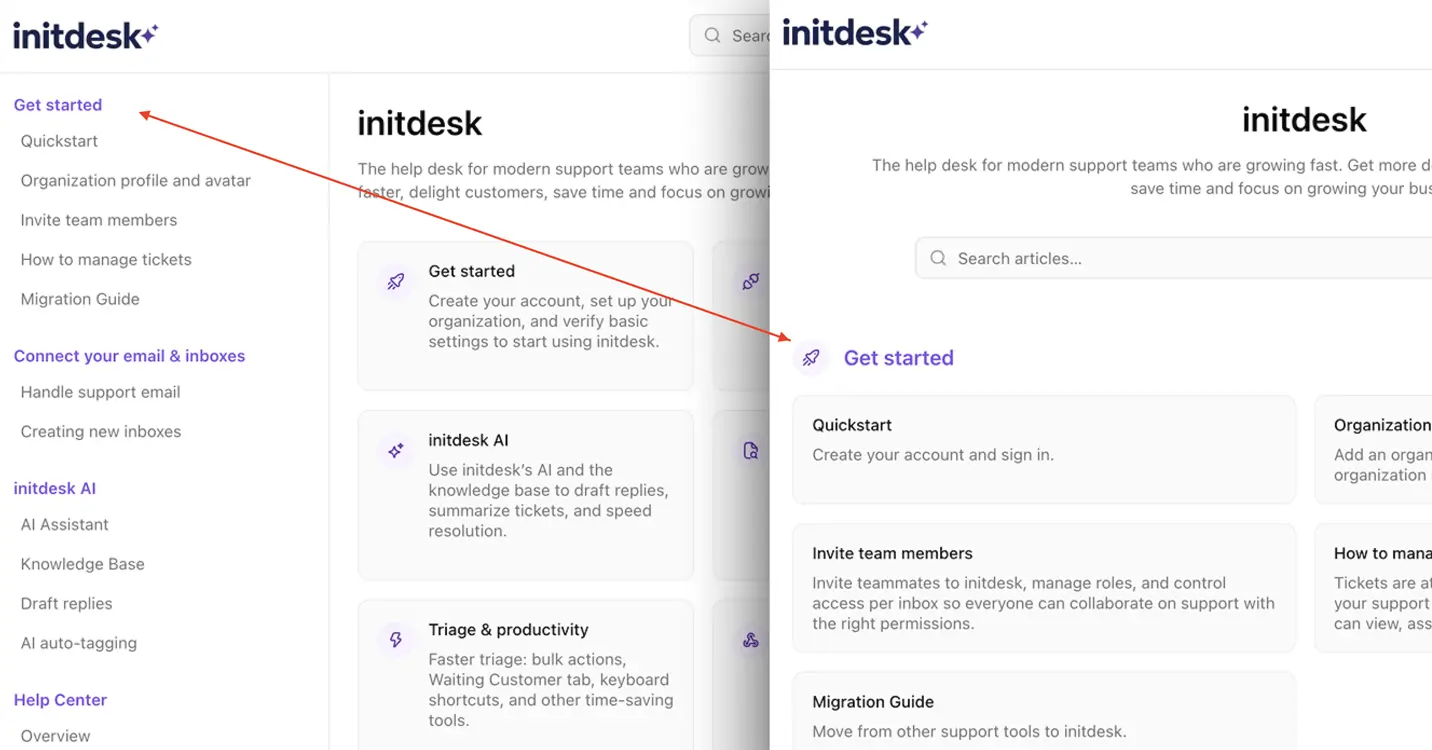
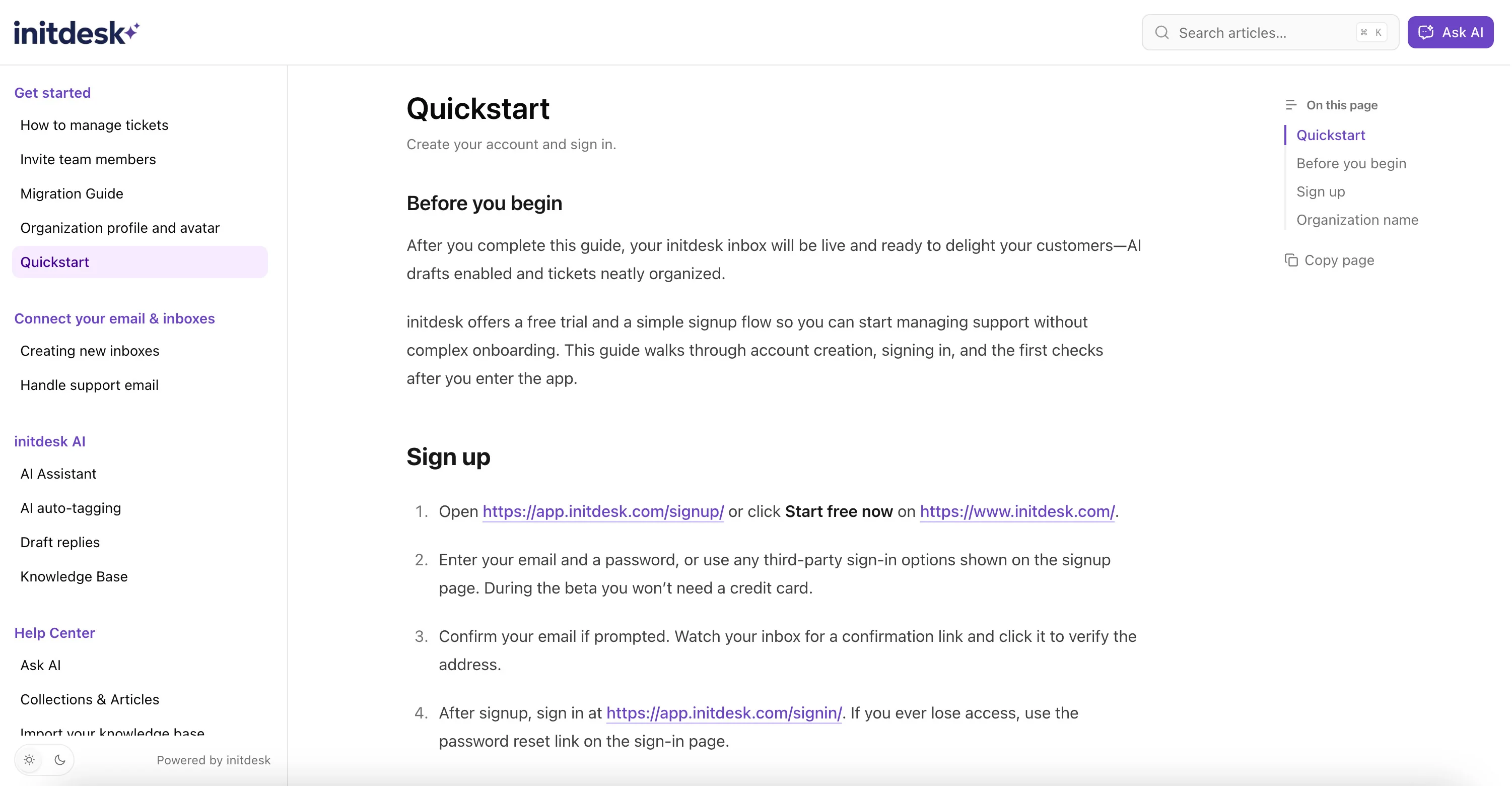
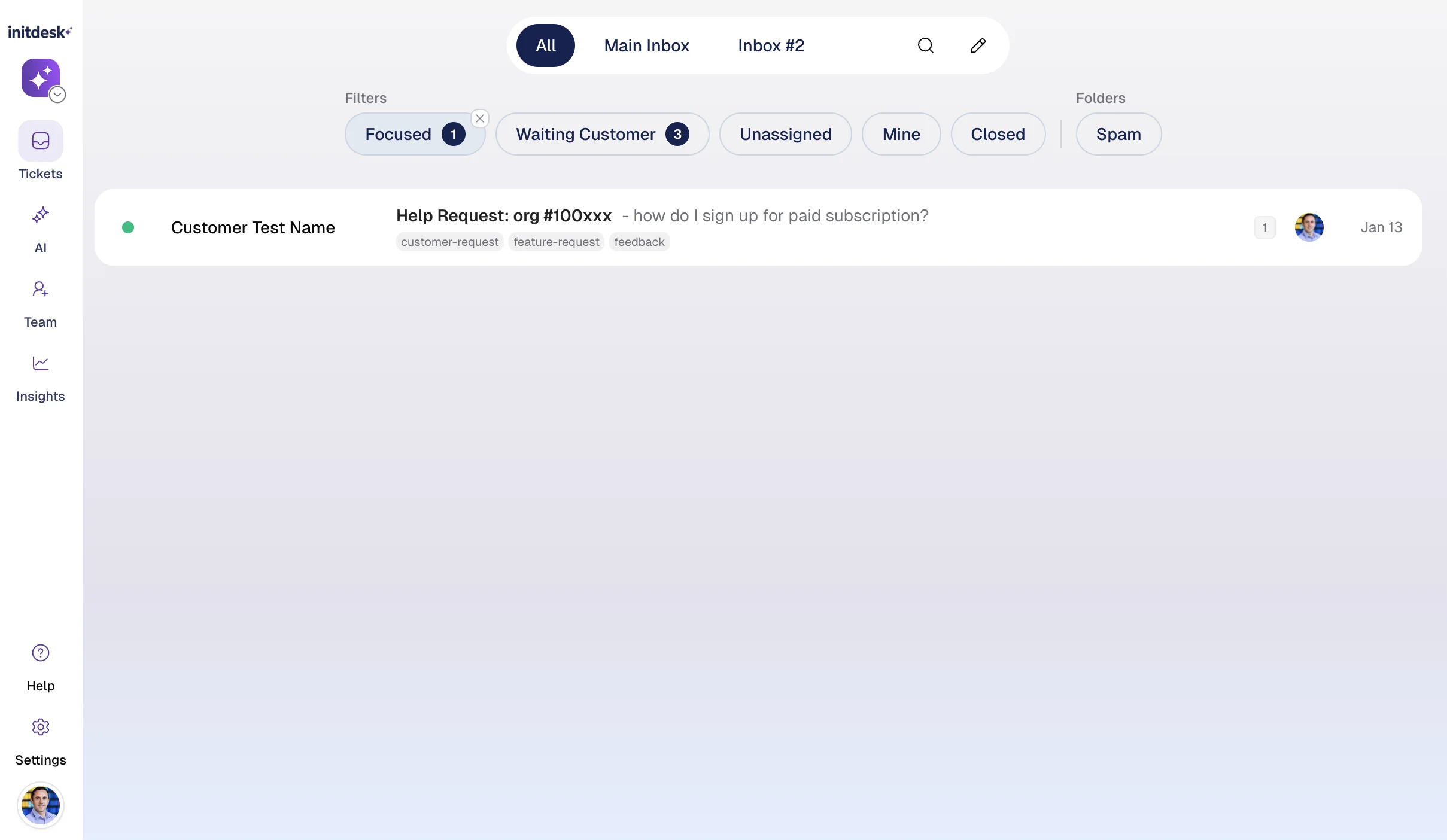
Today we’re launching Help Center: a fast, branded knowledge base with Ask AI built in—so customers can self-serve, get instant answers, and reach your team only when needed.
Already have a Help Center? Paste your site. Review drafts. Publish. That’s it.
initdesk's Help Center turns documentation into a living part of your support workflow—so every resolved ticket, published article, and help center chat interaction improves AI drafts, keeps answers consistent across your team, and reduces ticket volume over time.
What you get
1) A search-first Help Center
Customers can browse Collections & Articles or search for answers in seconds.
2) Ask AI — instant answers
Customers can ask questions in their own words and get answers based on only your published Help Center content.
3) Drafts and imports (nothing goes live without you)
Already have a help center? Import your existing public knowledge base to go live faster.
No public help center yet? Paste your website and let initdesk generate a first version of:
- suggested collections
- draft articles
Everything starts as Draft. You review what’s accurate, edit what needs tweaks, and publish only what you approve.
4) Continuous learning loop
Over time, initdesk surfaces high-impact knowledge gaps by analyzing resolved tickets, help center feedback, and chat conversations—so you always know what to document next.
5) llms.txt: Built for AI discovery
Help Center publishes an llms.txt index and a standard sitemap.xml by default—so AI assistants and search engines can quickly discover, understand, and navigate your documentation.
Ready to ship a help center that actually reduces tickets?
Go try it now.